Create Multi-Layer Vector Maps Ready to Cut & Engrave
Professional-quality laser-ready map files in minutes. No design experience required.
See It In Action
Watch a multi-layer map get created in minutes
Everything You Need
Powerful tools to create stunning laser-ready maps
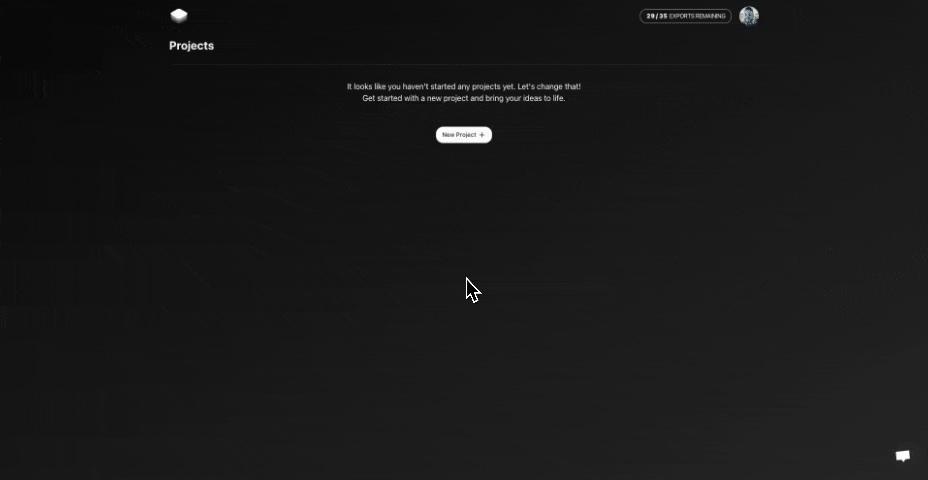
Project Management
Create and manage projects with ease. Save your work and come back to it later. Duplicate projects to create variations of previous maps.
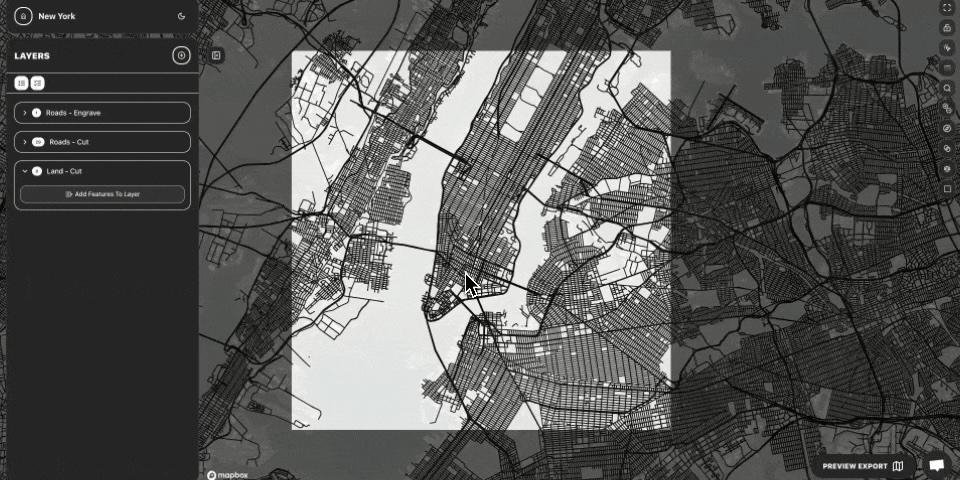
Customizable Layers
Add custom layers to your map, select features from categories like roads, labels, water, land and more to create a unique map.

Advanced Feature Editing
Edit layers with advanced features based on your needs. Change colors, line thickness, and more to create the perfect map for your project.
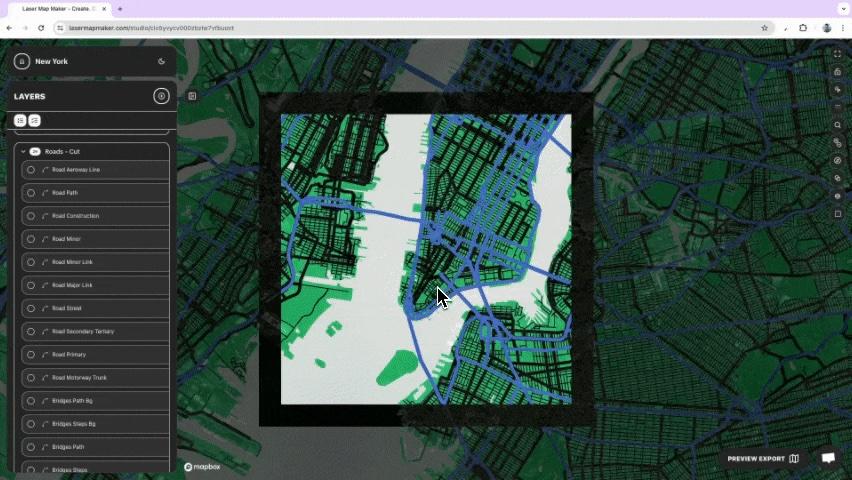
Inspect Tool
Use the inspect tool to easily select and edit layers. Quickly understand what feature you are looking at and make changes as needed.
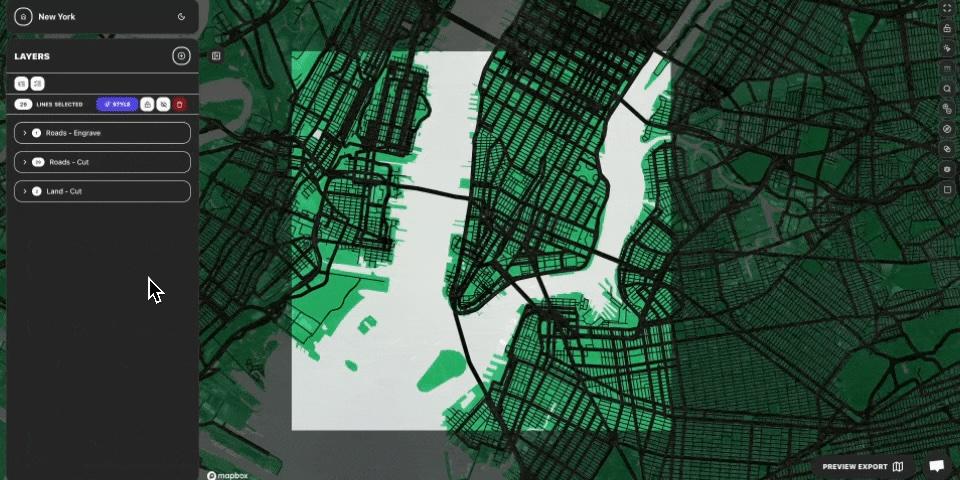
Custom Borders
Add custom borders to each layer to create a unique look. Change the color, thickness of each layer border. Don't want a border in a certain layer? No problem, turn it off with a click of a button.
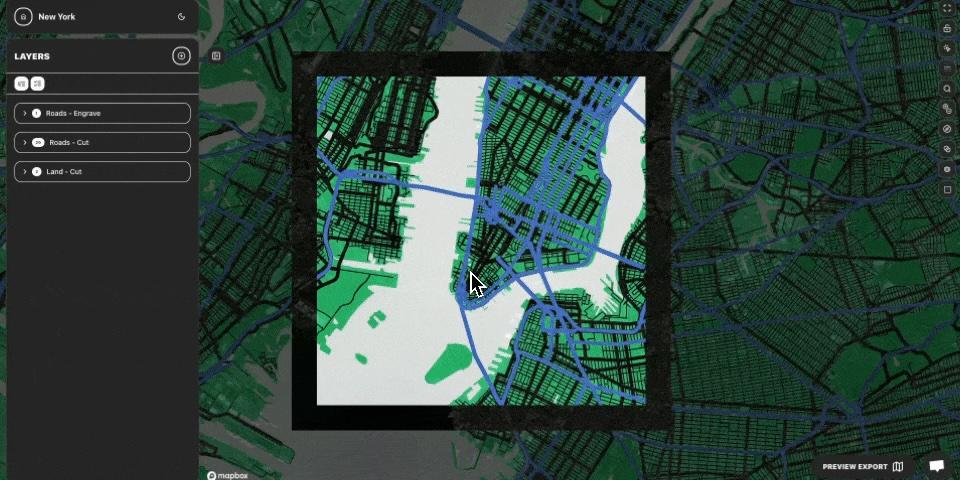
Exporting Files
Export your map layers in multiple formats. Choose from SVG, PDF, EPS, or PNG. Choose whether to outline or fill on a layer by layer basis.
Ready to Create Your First Map?
Join thousands of makers creating beautiful laser-ready maps
Simple, Transparent Pricing
All plans include unlimited projects, unlimited layers, and multiple export formats.
Hobby
Saving 44% with annual billing · $99 per year
- 250 Map Layer Exports
Creator
Saving 33% with annual billing · $199 per year
- 500 Map Layer Exports
Navigator
One-time credits for serious map projects—no subscription required.
- 10,000 credits that never expire
- Bathymetry add-on included when it launches
By starting a free trial, you agree to our Refund Policy.
Got Questions?
Everything you need to know about Laser Map Maker
Getting Started
Core Capabilities
Software & Support
Still have questions?